Integrations
Flekh in your editing app.
And in your AI agent.
The Flekh plugin puts client notes on your timeline as markers in Premiere Pro, DaVinci Resolve Studio and Final Cut Pro. Claude, ChatGPT, Cursor, Claude Code, Codex or any MCP agent can read the same project and draft the next step.
14 days of Pro, no card.
 Sequence · Summer Reel v3 00:00:40:00
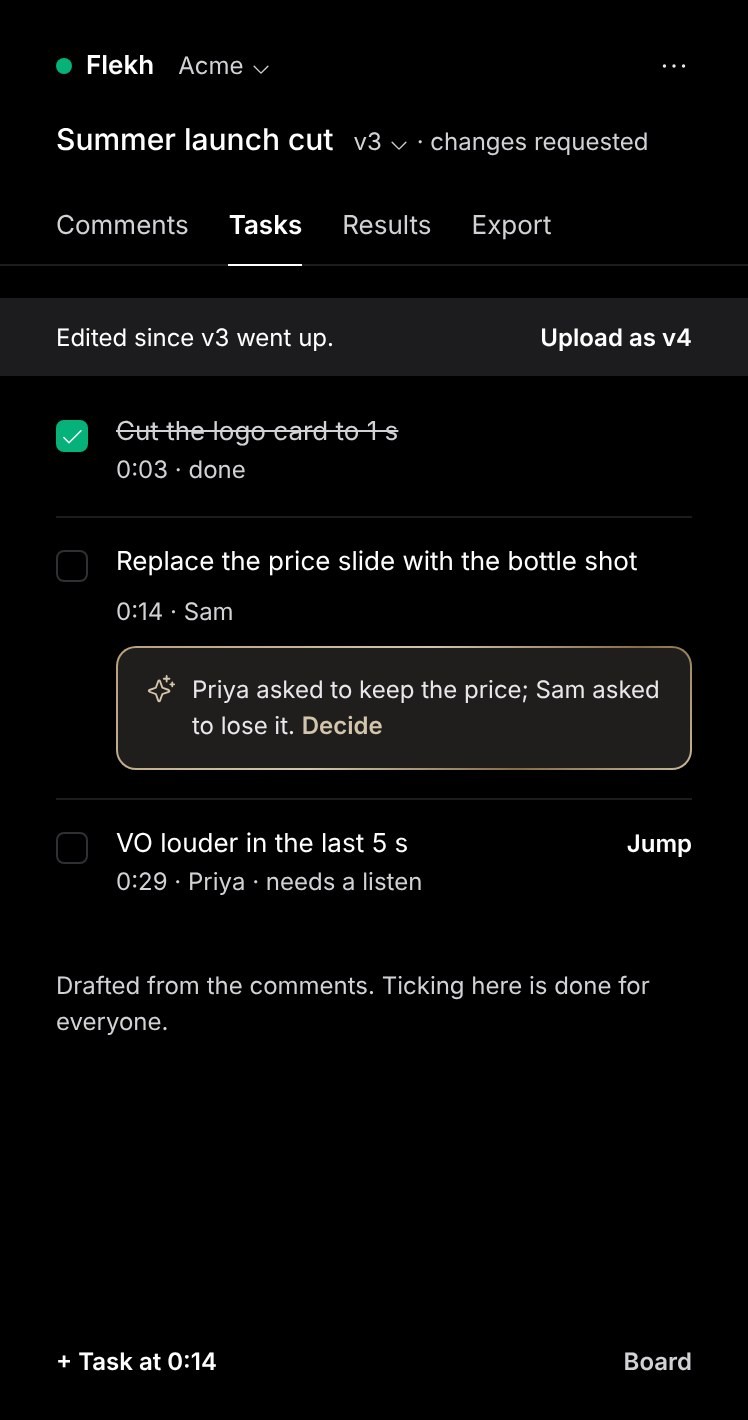
Tick a task in the panel. The answer changes, because both read the same Flekh project.
Tick a task in the panel. The answer changes, because both read the same Flekh project.
Tick a task in the panel. The answer changes, because both read the same Flekh project.
Tick a task in the panel. The answer changes, because both read the same Flekh project.
Tick a task in the panel. The answer changes, because both read the same Flekh project.
One round of notes should not take nine windows.
Review tools stop at the comment. Everything after it is the editor’s problem, one timecode at a time.
Client notes on your timeline, not in a browser tab.
The same Flekh plugin in the three editors your team already uses. Included in Essential and Pro, at no extra cost.
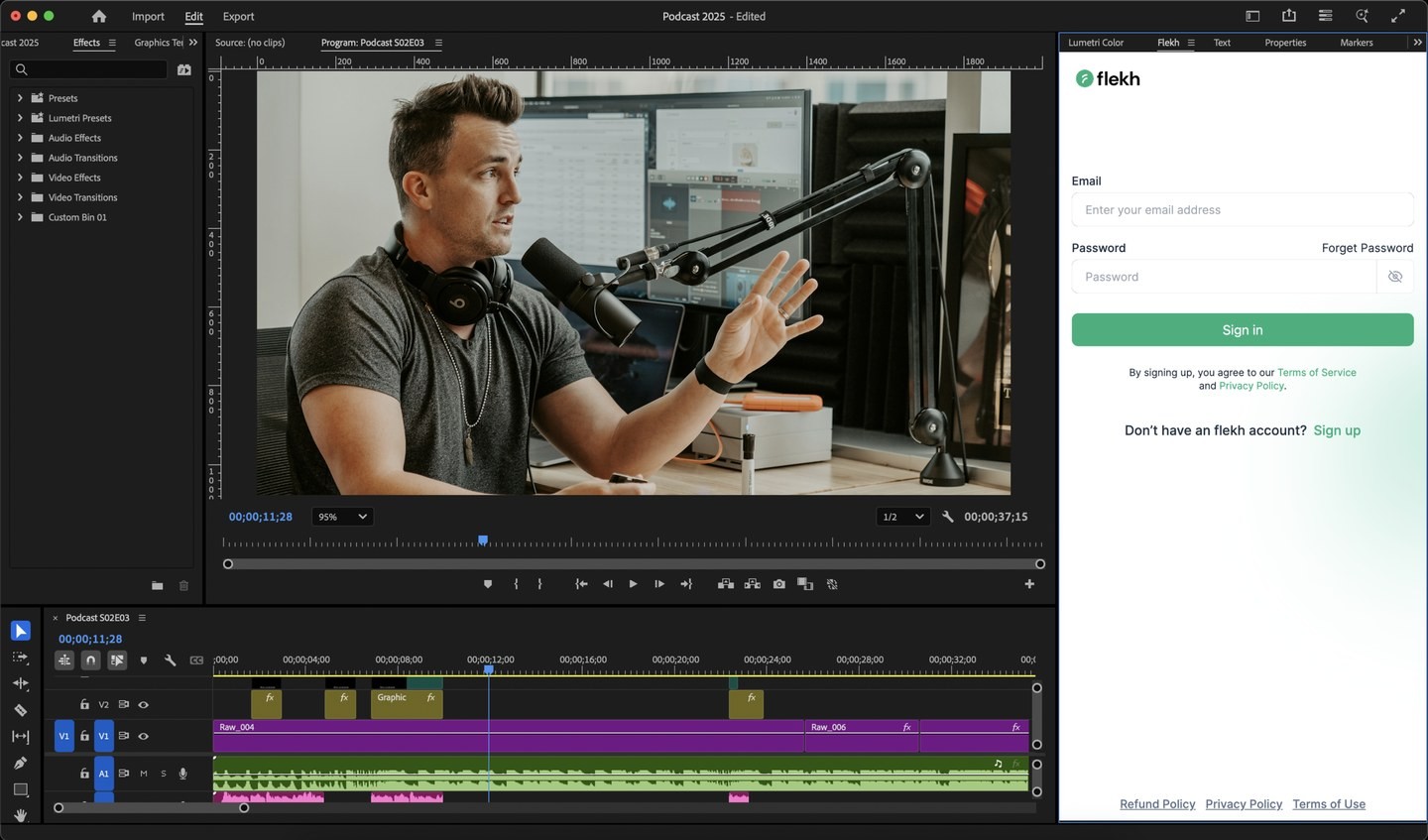
Premiere Pro
- Open
- Window › UXP Plugins › Flekh
- Sign in
- The panel shows a code; approve it in your browser
- Needs
- Premiere Pro 25.6 or later
- Get it
- Download the Premiere Pro plugin · Adobe Marketplace [at launch]

DaVinci Resolve Studio
- Open
- Workspace › Workflow Integrations › Flekh
- Sign in
- In your browser
- Needs
- Resolve Studio. Free Resolve does not run workflow integrations.
- Get it
- Download the DaVinci Resolve plugin for Mac or Windows


Final Cut Pro
- Open
- The Extensions button in the toolbar › Flekh
- Sign in
- In your browser
- Needs
- Final Cut Pro on a Mac [version]
- Get it
- Download the Final Cut Pro plugin for Mac
Ask Flekh from Claude, ChatGPT, Cursor or any agent.
Flekh has a remote MCP server. Add the link to your agent and sign in. It reads your projects and drafts the next step. A person still sends, approves and publishes.
- Open Customize › Connectors and click Add custom connector.
- Paste the Flekh MCP link and click Add.
- Sign in to Flekh and pick the account Claude may use.
- In a chat, open + › Connectors and turn Flekh on.
https://mcp.flekh.com/mcp
Works on Free (one custom connector), Pro, Max, Team and Enterprise. On Team and Enterprise, an Owner adds Flekh first in Organization settings › Connectors.
Out all week.
Back every morning.
Approved versions go out on schedule. Each morning the numbers come back to the post and to the file that made it.





Questions about Flekh integrations.
Missing the tool you use every day? Tell the founder. We build what customers ask for twice.
 Email the founder →
 Yes. The Flekh plugin runs in Premiere Pro 25.6 or later. Open Window › UXP Plugins › Flekh, click Sign in and approve the code it shows in your browser. Comments show as markers on the timeline, and you can tick tasks, see results and upload the next version from the panel.