Go Back
What is online proofing software, and why do marketing teams use it?
Product

Shashank Tiwari
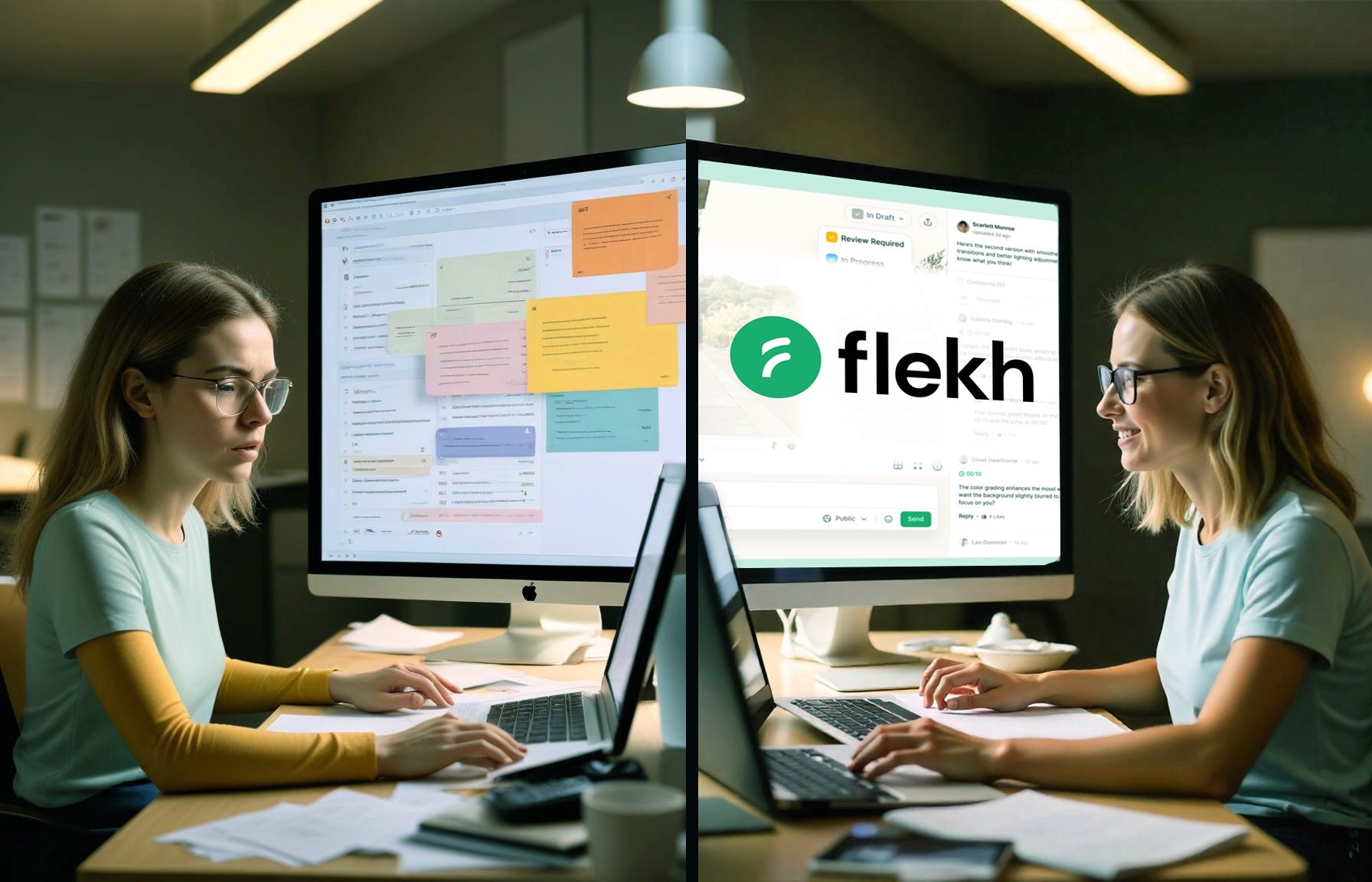
Is Your Creative Workflow Slowing You Down? Online Proofing Software Can Fix That
Online proofing software is a tool where reviewers comment directly on a video, image or document and approve the final version, instead of sending notes by email. This guide explains how it works, what to look for, and where Flekh fits.
Enter online proofing software —a tool that changes how teams collaborate on creative content. Whether you're a designer, project manager, or part of a marketing team, this software helps you streamline approvals, track revisions easily, and eliminate workflow inefficiencies.
What is Online Proofing Software?
Online proofing software is a cloud-based platform that allows teams to review, comment on, and approve creative content —including designs, videos, and documents—in real time. Instead of sorting through messy email chains or juggling multiple file versions, everything is centralized in one easy-to-access workspace .
With robust collaboration tools, teams can exchange feedback directly on files, keep track of changes, and accelerate the approval process without confusion or delays.
Top Benefits of Using Online Proofing Software
1. Faster Approvals and Less Waiting
Tired of waiting for scattered feedback via emails and chat messages? Online proofing platforms like Flekh consolidate all approvals and comments into a single interface. This allows stakeholders to review files simultaneously and approve them instantly—eliminating unnecessary delays.
2. Clearer Communication and More Productive Collaboration
No more vague email feedback like “Make this pop” or “It looks off.” With online proofing tools, collaborators can annotate directly on the design or video , ensuring feedback is specific and actionable. This reduces endless revisions caused by unclear instructions.
3. Organized File Versions and Revision History
Keeping track of multiple file versions is a nightmare. Online proofing software stores all versions in one place , ensuring you’re always working on the latest draft. You can also view past revisions, track modifications, and avoid accidental overwrites.
4. Transparent Feedback Tracking
Who suggested that color change? When was the last edit made? Online proofing tools maintain a record of all feedback and approvals , creating full transparency in the review process. Everyone stays informed, and there’s less risk of miscommunication.
5. Increased Accountability Across Teams
With a clear approval audit trail, your team will always know who made which decision and when. This significantly reduces project bottlenecks caused by missing approvals or unanswered feedback.
Who Plays a Role in the Online Proofing Process?
Implementing online proofing software works best when everyone understands their role in the feedback cycle. Here are the key players:
➤ The Creator (Designer, Writer, or Videographer)
Responsible for developing the initial draft, the creator uploads their work to the proofing platform for feedback and revisions.
➤ The Reviewer (Clients, Team Leads, Stakeholders)
Reviewers provide feedback and request changes, making use of timestamped comments, annotation tools, and markup features available in online proofing software.
➤ The Approver (Project Manager, Client, or Creative Lead)
Once necessary revisions have been made, the approver gives final approval for the project to proceed to production or publication.
➤ The Finalizer (Production or Distribution Team)
The finalizer ensures the approved content is formatted correctly and delivered to its intended platform, whether it’s a website, social media, or print.
Step-by-Step: How Online Proofing Software Streamlines Creative Workflows
Many teams struggle with scattered feedback and inefficient revision cycles . With an intuitive online proofing system, the process becomes structured and easy to follow:
✔ 1. Upload Your Files
Designs, videos, PDFs, or documents—simply upload your project into the proofing platform.
✔ 2. Gather Feedback in Real Time
Reviewers and stakeholders can directly comment, highlight, and annotate changes on the shared file. Comments are consolidated in one place to avoid confusion.
✔ 3. Revise and Implement Changes
The creator updates the design based on feedback while keeping all previous versions accessible in case of rollbacks.
✔ 4. Secure Final Approval and Move Forward
Once revisions are completed, the approver provides final confirmation. The content is then ready for production or distribution.
Why Choose Flekh for Online Proofing?
Among various online proofing software options , Flekh stands out with its:
✅ Real-time collaboration & annotation tools
✅ Version tracking & automated notifications
✅ Intuitive interface for creatives & clients
✅ Secure approval workflows with transparency
From marketing teams to creative agencies, Flekh helps professionals manage projects faster, reduce revision loops, and increase productivity.
Final Thoughts: Is Online Proofing Software Right for You?
If your creative workflow is bogged down by unclear feedback, slow approvals, or version control issues, implementing online proofing software can transform how you manage projects. Say goodbye to frustrating email edits and embrace a smarter, more efficient way to collaborate .
Ready to streamline your creative process? Try Flekh today and see the difference!
Related: Video review and approval in Flekh Collab · Flekh vs Filestage